
Cuts & pacing
Cut timing, shot length, and editing rhythm.
Peel turns any YouTube video into a clear, searchable breakdown of its cuts, pacing, captions, motion, audio, and structure.
30 minutes free every month. No card required.
Open a YouTube video. Peel turns the finished edit into a structured breakdown you can actually study.
Cut timing, shot length, and editing rhythm.
Words, placement, timing, and style.
Dialogue, music, and sound cues.
Movement and animation, moment by moment.
Hook, sections, transitions, and payoff.
Every spoken line, precisely timestamped.
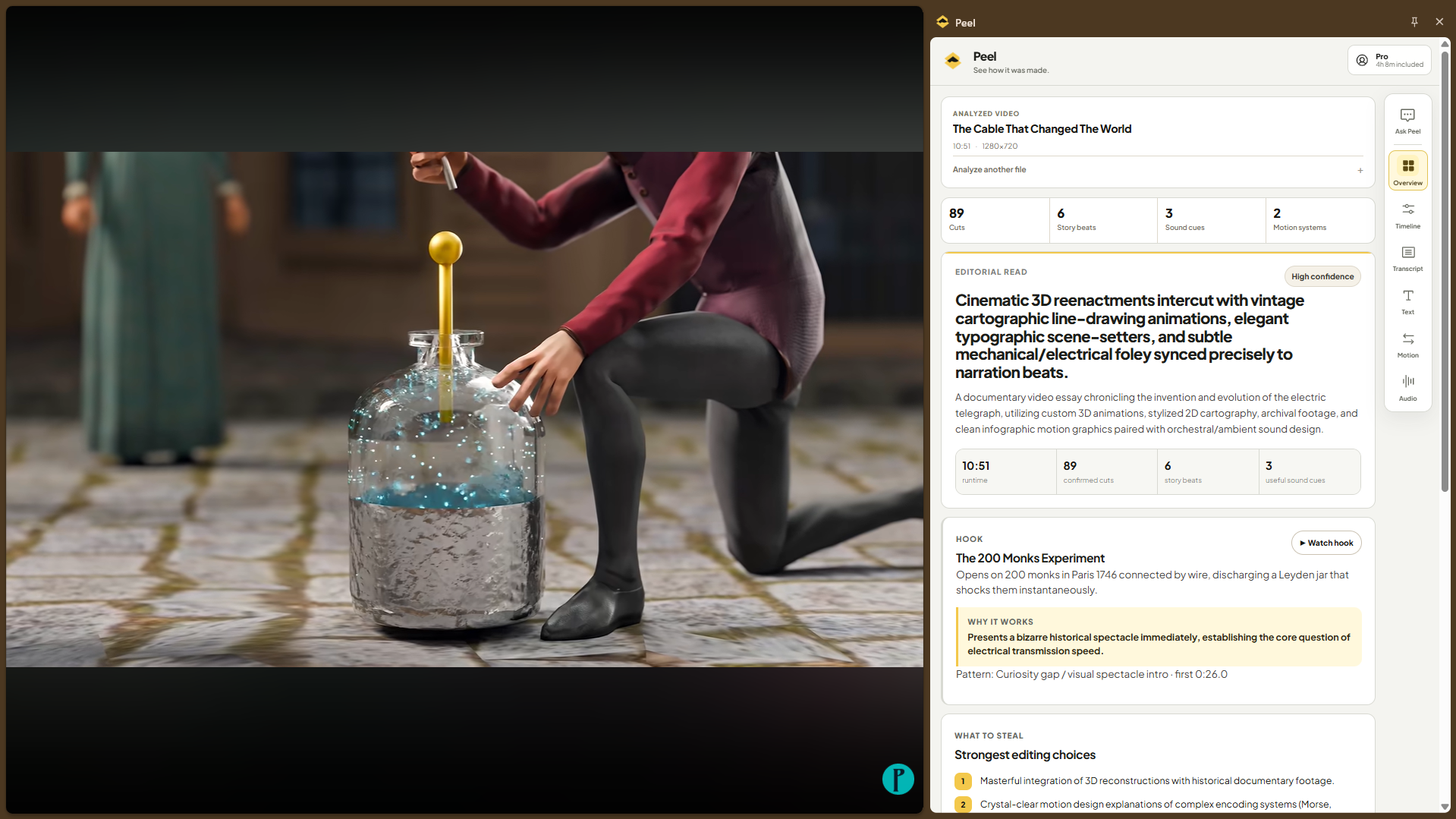
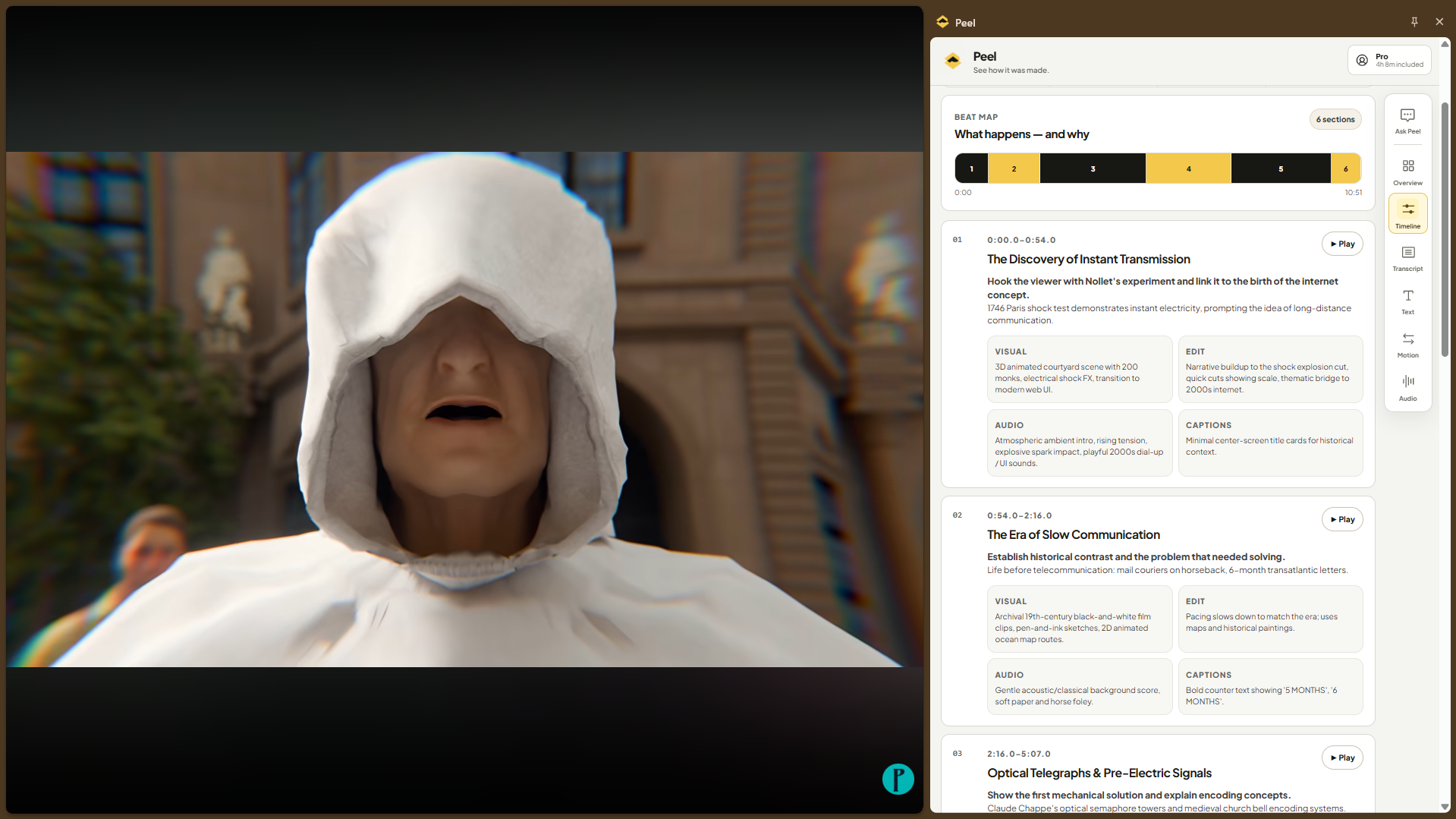
Move through the editing timeline instead of repeatedly scrubbing through the original.
Ask a question. Get an answer grounded in the video's analysis.
Try asking
Watch any supported YouTube video or Short.
Peel analyzes the editing behind the video.
Inspect the timeline, transcript, text, motion, audio, structure, and Ask Peel.
Free
30 minutes of analysis every month.

Pro
For regular creators5 hours of analysis every month.
Peel analyzes the editing behind YouTube videos and Shorts, including cuts, pacing, structure, captions, text, motion, audio, transcript, and other editing decisions.
No. Peel reverse-engineers finished videos so you can understand how they were edited.
Yes. Peel supports both regular YouTube videos and Shorts.
Free accounts include 30 minutes of video analysis every month.
Additional analysis beyond the included 5 hours is billed at $0.05 per minute.
No. Open the YouTube video you want to study and launch Peel from Chrome.
Install Peel and analyze your first YouTube video.
